
HOLIDAY SALE
Special Offers
Find Your Perfect Hotels Get the best
prices on 20,000+ properties
the best prices on
Top Destinations
It is a long established fact that a reader
Our best promotion tours
Most popular destinations
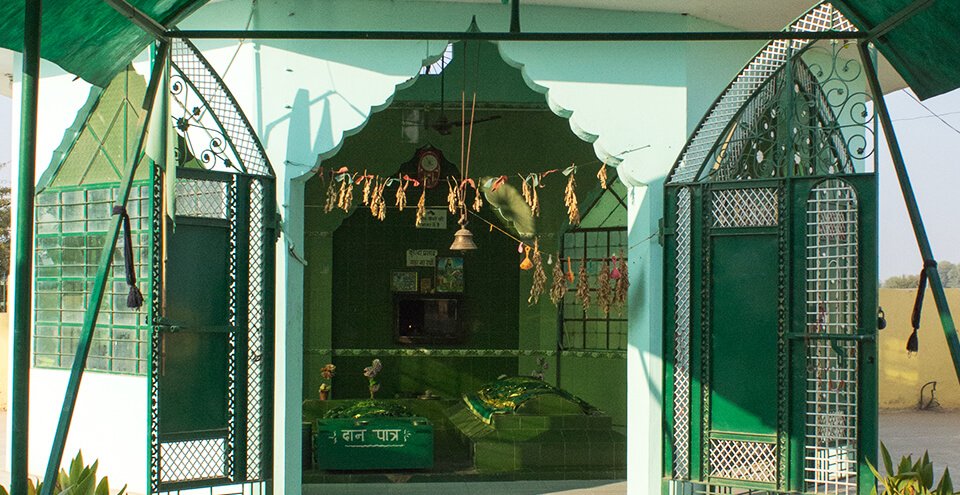
Sri Ganganagar tourist places
- Sri Ganganagar
₹0
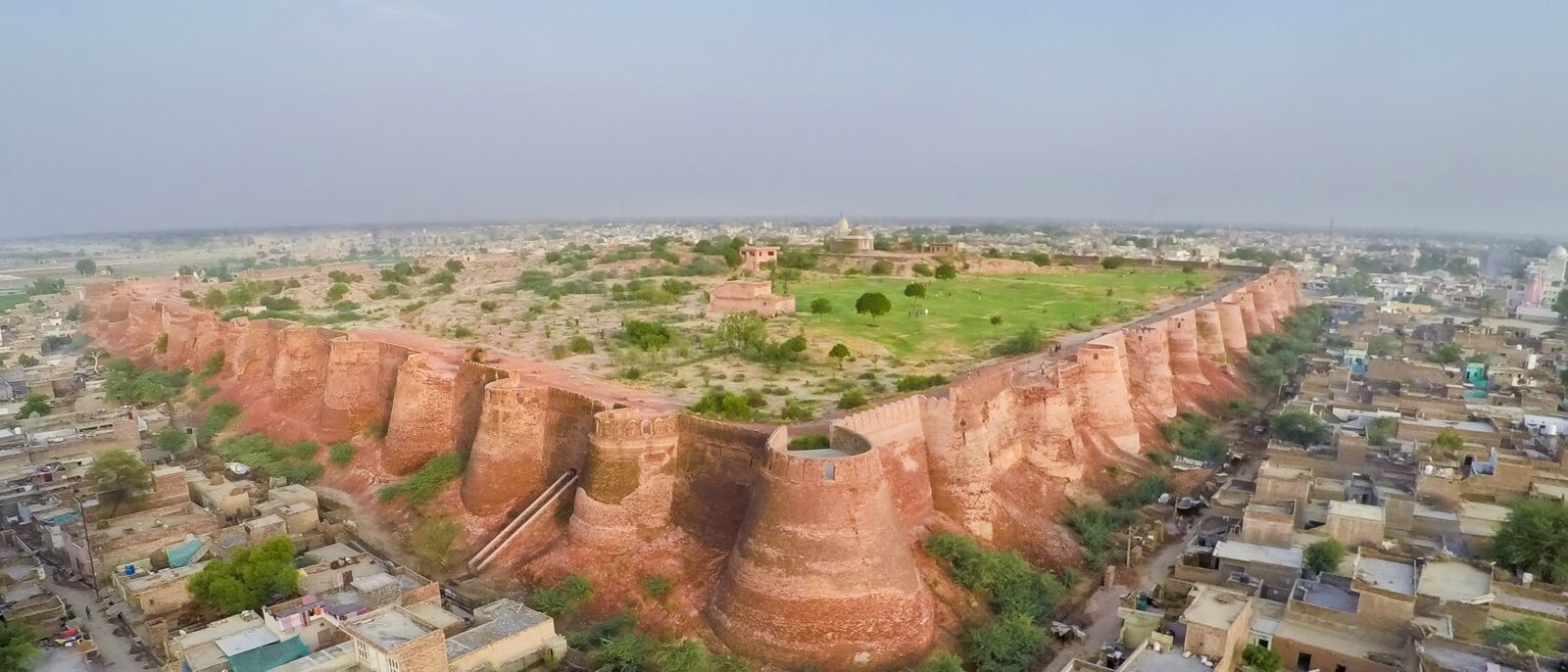
Hanumangarh Tourist Places
- Hanumangarh
₹0

Ambala Tourist Places
- Ambala
₹0
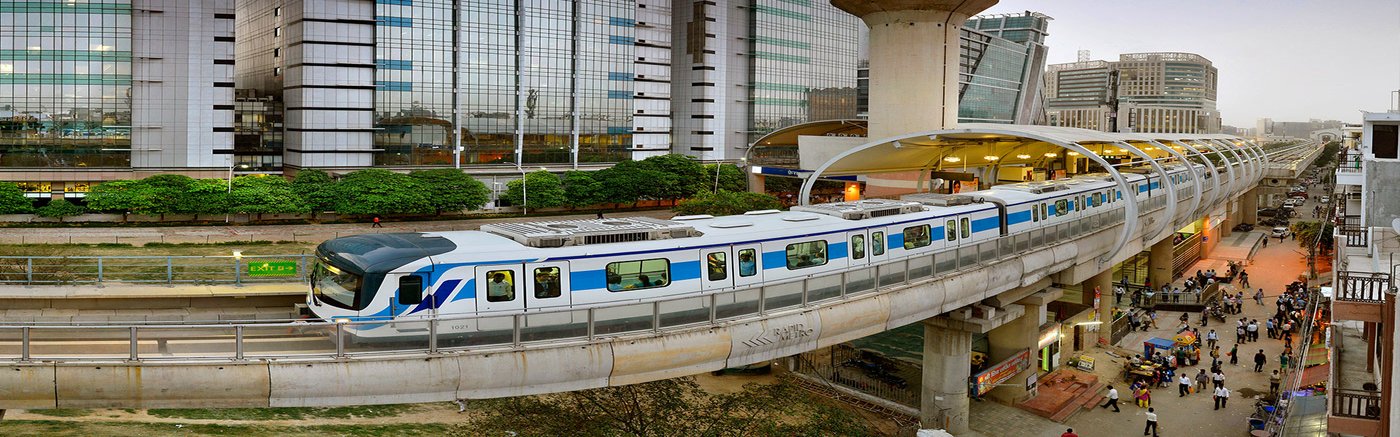
Gurugram Tourist Places
- Gurugram
₹0


Hotels
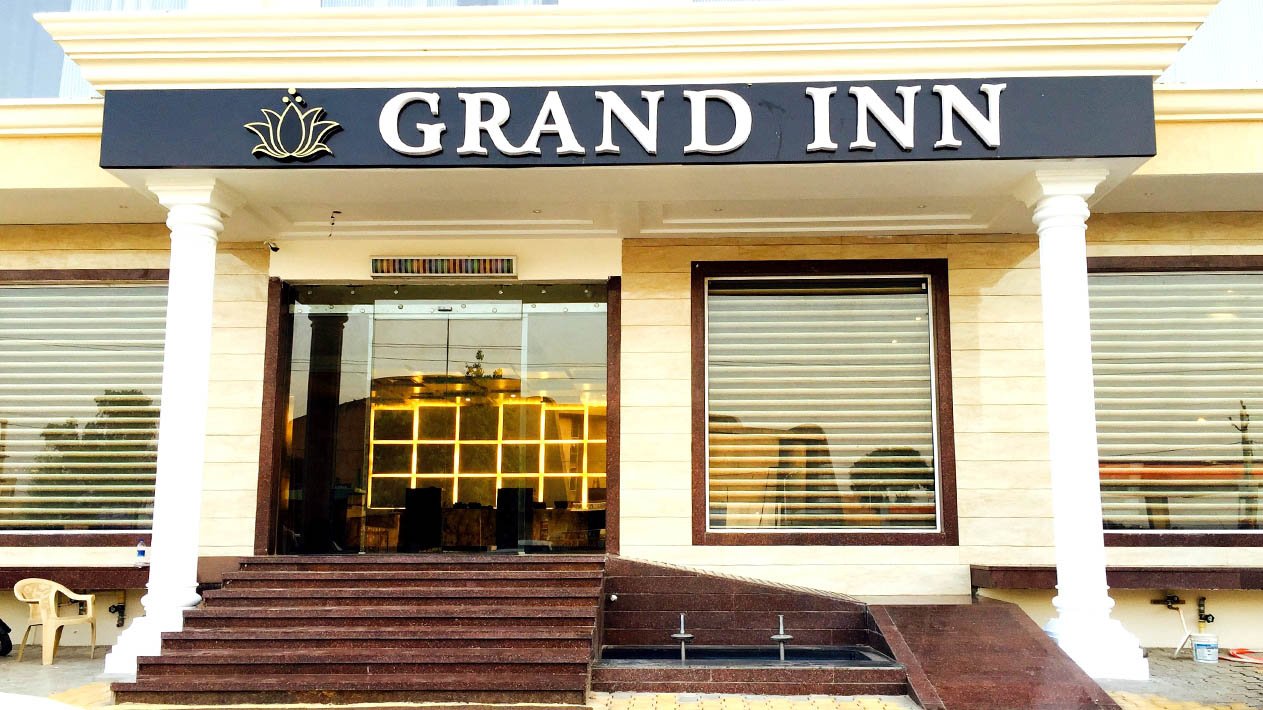
Best Hotel

Read the latest from blog
Contrary to popular belief
Know your city?
Join 2000+ locals & 1200+ contributors from 3000 cities
Our happy clients
Faucibus tristique felis potenti ultrices ornare rhoncus semper hac facilisi Rutrum tellus lorem sem velit nisi non pharetra in dui.
Faucibus tristique felis potenti ultrices ornare rhoncus semper hac facilisi Rutrum tellus lorem sem velit nisi non pharetra in dui.
Faucibus tristique felis potenti ultrices ornare rhoncus semper hac facilisi Rutrum tellus lorem sem velit nisi non pharetra in dui.
FAQS
 When will my boarding pass be available?
Your boarding pass will be generated 1-2 hours before your scheduled shift time.
How will I know when my boarding pass is ready?
You will receive an SMS notification once your boarding pass has been generated.
How can I download my boarding pass?
You can download your boarding pass from the "My Booking" section by clicking on the three dots, or from the details page of booked place. To do this, enter your booking ID and the last four digits of the ID card of any one tourist.
How to book a ticket?
- Search for the desired location and view the details.
- Click the Book Now button.
- Select the citizen type and quantity of tickets.
- Review the payment details. If everything looks correct, click the Make Payment button.
- Once the payment is successful, you can find your ticket in the My Bookings section of your account on our portal.
How do I view a booked ticket?
To check your booked ticket, log in using the ID you used for the booking. Go to the "My Bookings" section and use the date-wise filter to select your visit date. You will be able to see your booking details.
How do I cancel a booked ticket?
If the cancellation policy applies to your booking, go to the "My Bookings" section. Click the three dots next to the booked ticket, and you will see the option to cancel it. Please review the cancellation policy before proceeding
What should I do if I haven't received a refund for my canceled ticket?
If you haven't received your refund, please contact our help-desk for assistance or you can email the Forest Department to request your refund.
What should I do if the payment is deducted but I haven't received the ticket?
If your booking fails and the amount is deducted, it will be automatically refunded to the same payment method used for the transaction.
What if I don't have an SSO ID? How can I book a ticket?
If you do not have an SSO ID, you can book a ticket by using the guest login with your mobile number or email address.
Do we accept international payment methods?
Yes, we accept all major international payment cards.You can make payments securely from anywhere in the world. If you encounter any issues while processing your payment, please ensure that your card is enabled for international transactions, and check with your bank for any restrictions that may apply.
How can I give feedback?
In the "My Booking" section, click on the three dots to find the "Feedback" option. You can share your experience regarding the vehicle, driver, guide, and place.
How can I submit a grievance?
You can click on the help icon on the home page or in the "My Booking" section. Follow the prompts to submit your issue. Alternatively, you can email us or contact our helpdesk number for assistance.
